CloverPeak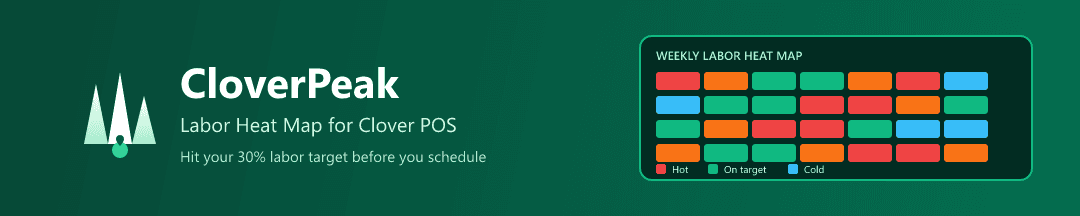
Now available on Clover App Marketplace
Visual labor heat map for Clover POS. See your hottest revenue hours overlaid with staffing levels — know if you're over or understaffed before you schedule.
$49/month after 14-day free trial. Cancel anytime.
The Problem
You only know if you hit your 30-35% labor cost target afterthe revenue comes in. By then, it's too late to adjust.
The Solution
CloverPeak overlays your sales data with staffing levels in one visual heat map. See hot zones (busy, maybe understaffed) and cold zones (slow, probably overstaffed).
How It Works
1
Connect Clover
One-click integration with your Clover POS. We pull your historical sales data.
2
See Your Heat Map
Visual representation of revenue intensity across the week, with staff overlay.
3
Optimize Scheduling
Adjust staff based on data. Hit your 30% labor target consistently.